How to Create Your Free Account
Follow these simple steps to get your first quote request form live in minutes.
Visit LogistiQuotes & Sign Up
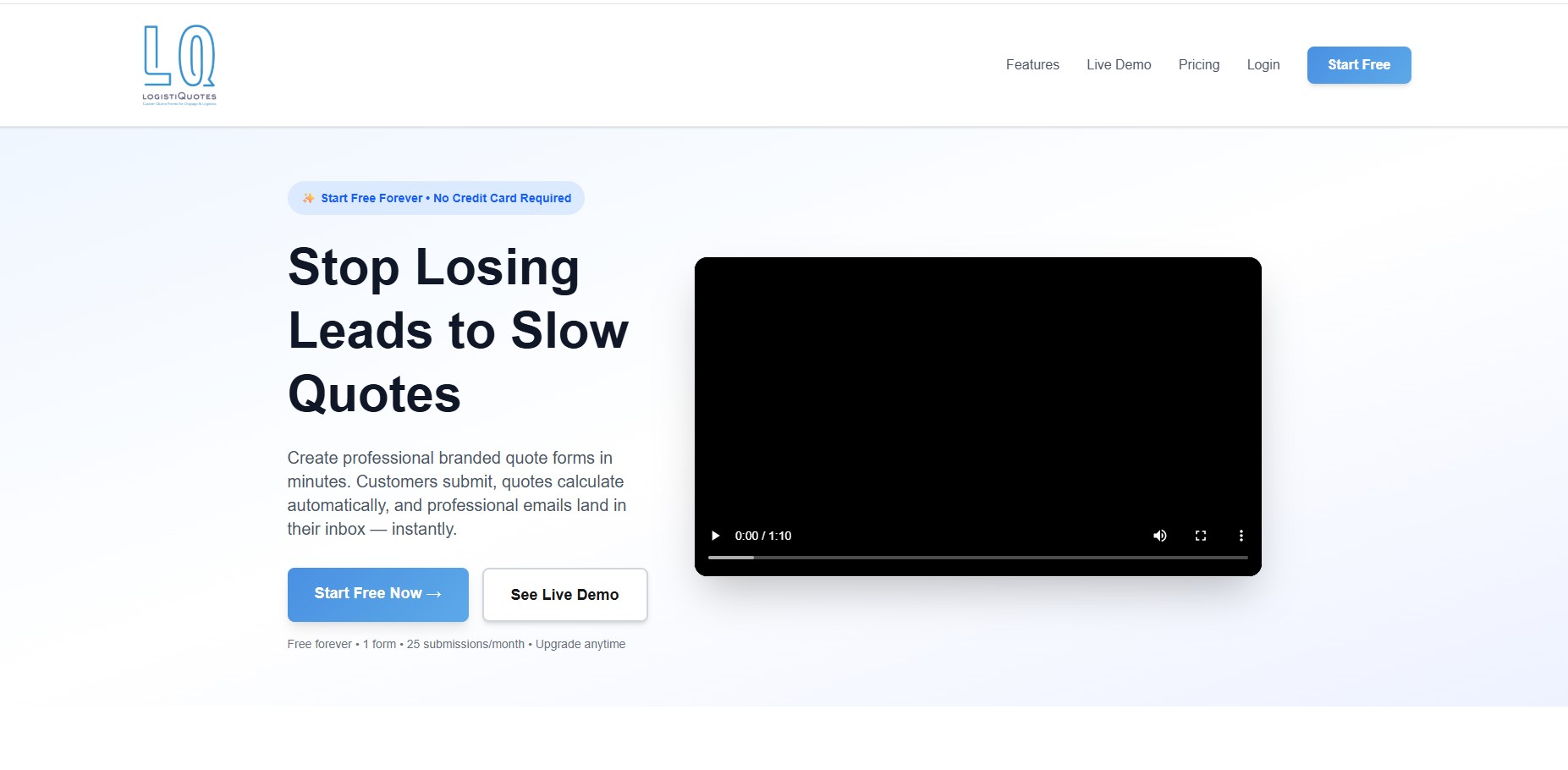
Open your browser and go to www.logistiquotes.com. Click the "Start Free" or "Start Free Now" button on the homepage.
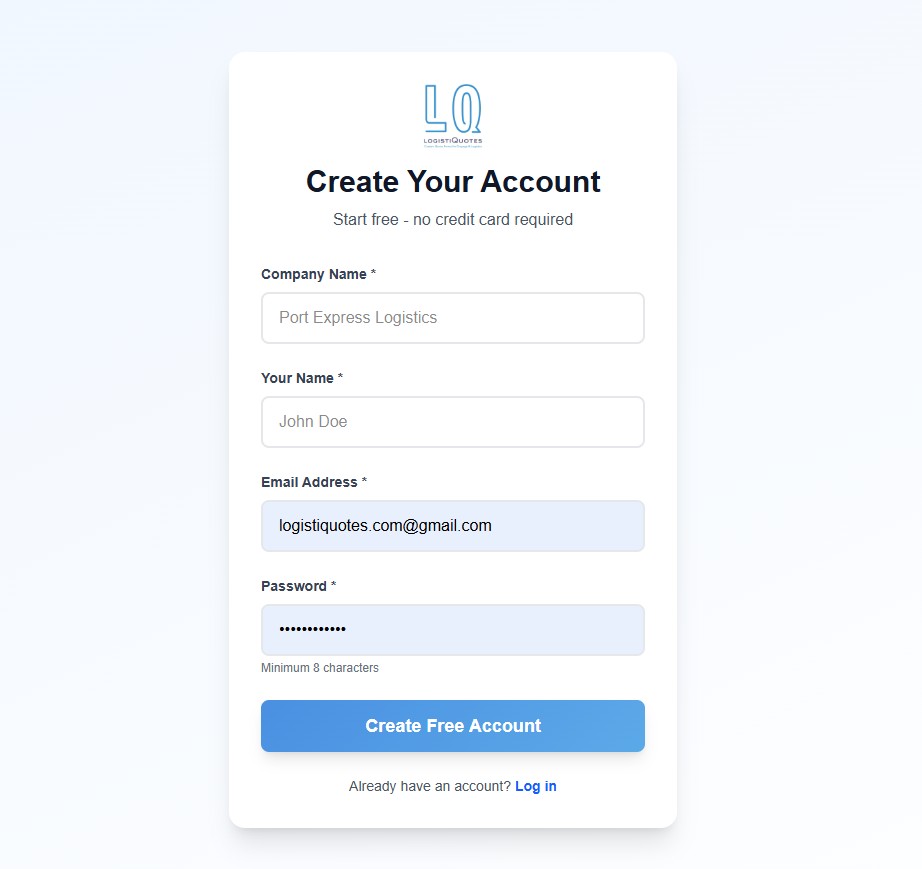
Fill in your details on the "Create Your Account" form and click "Create Free Account".
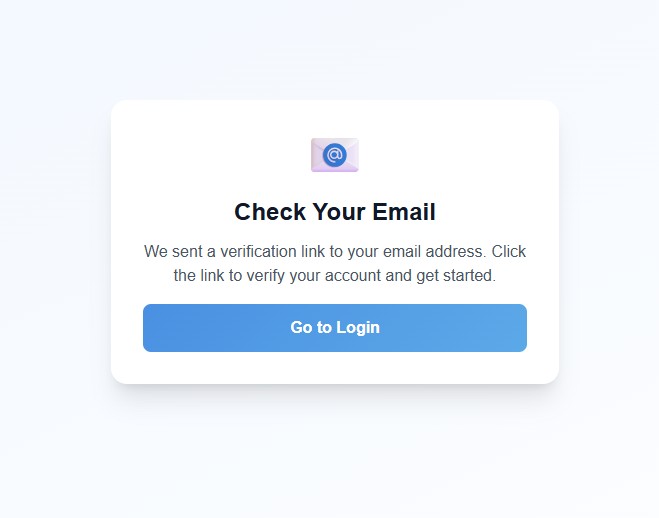
Verify Your Email Address
After submitting the form you will see a confirmation message on screen. Check your inbox for an email from LogistiQuotes and click the "Verify Email Address" button.
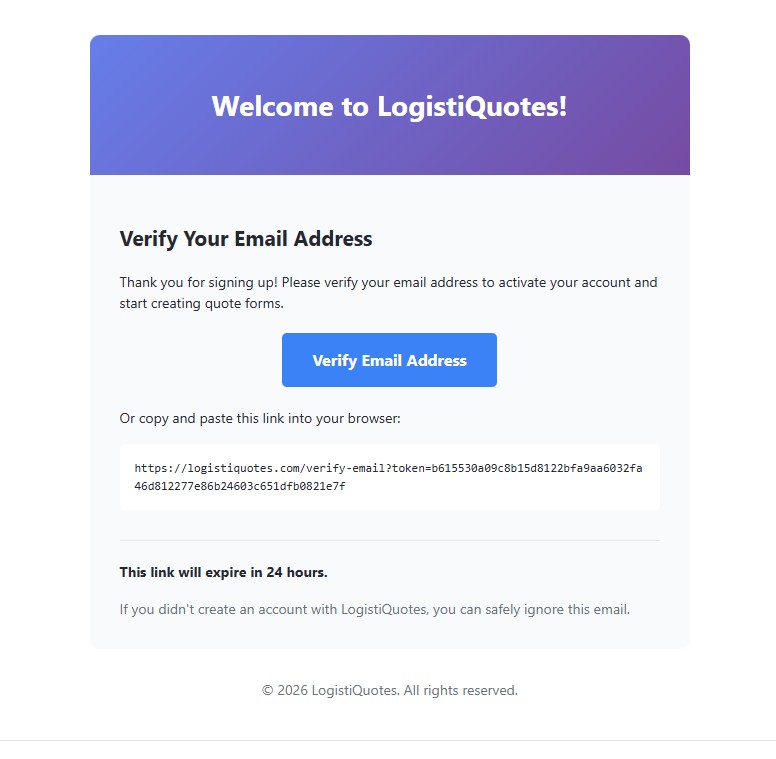
Tip: If you don't see the verification email within a few minutes, check your spam or junk folder.
Log In to Your Account
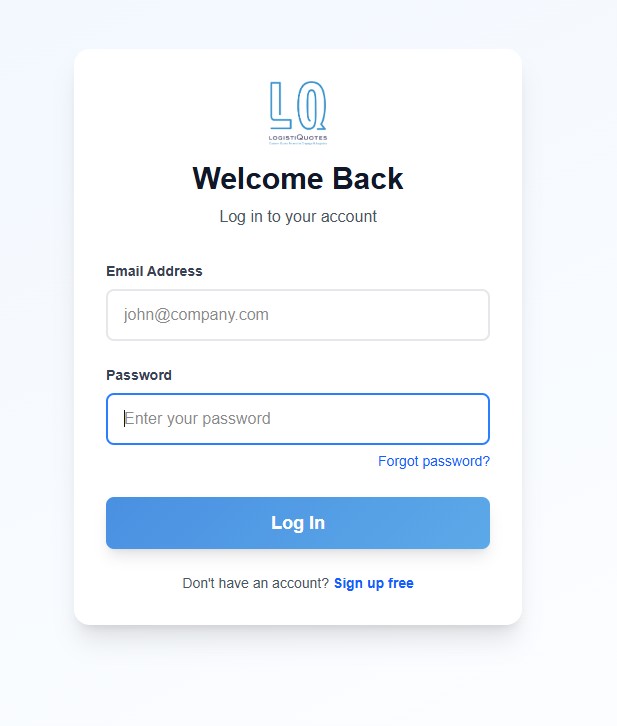
Once your email is verified you will see a brief confirmation and be redirected to the login screen. Enter your credentials to log in.
Complete the Onboarding Wizard (Optional)
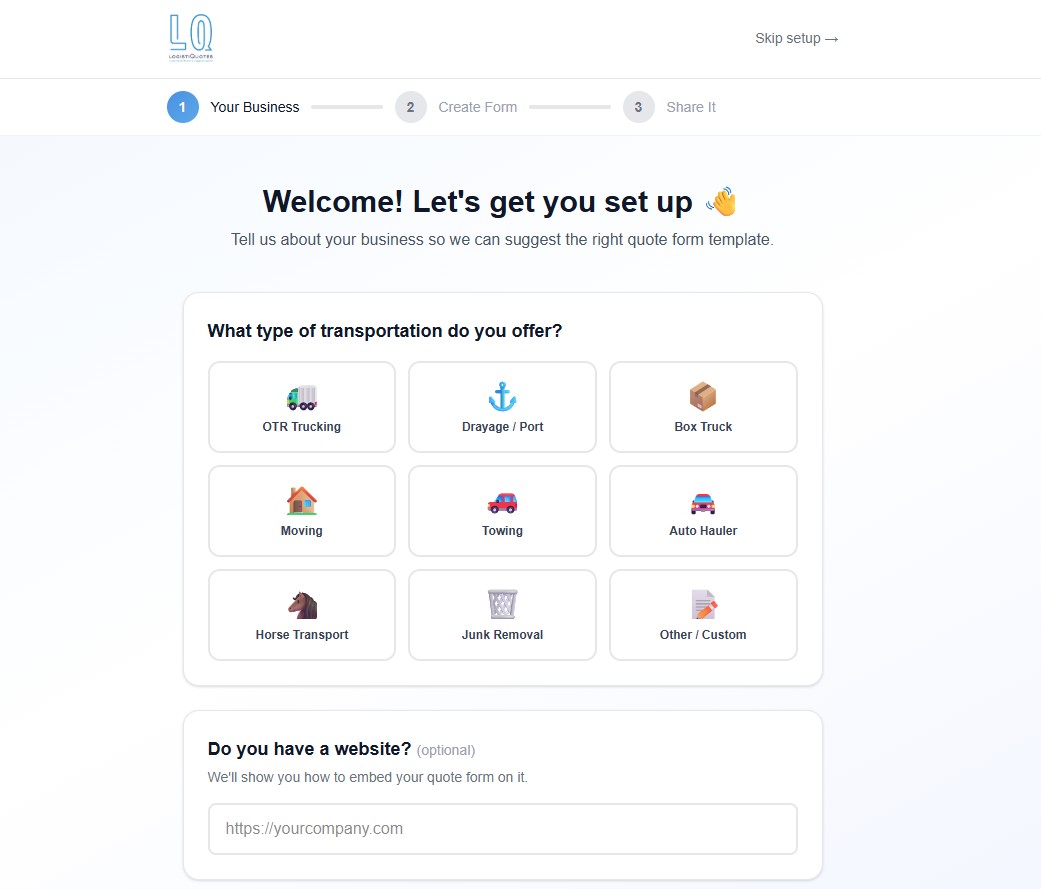
After your first login, the onboarding wizard will guide you through creating your first form:
- ✓Select an industry template (OTR Trucking, Drayage, Moving, Towing, and more).
- ✓Customize form fields to match your business.
- ✓Share your form via link, embed code, or QR code.
Note: If you're not ready to create a form yet, click "Skip setup →" in the top-right corner. You can always create your form later from the Dashboard.
Your Dashboard at a Glance
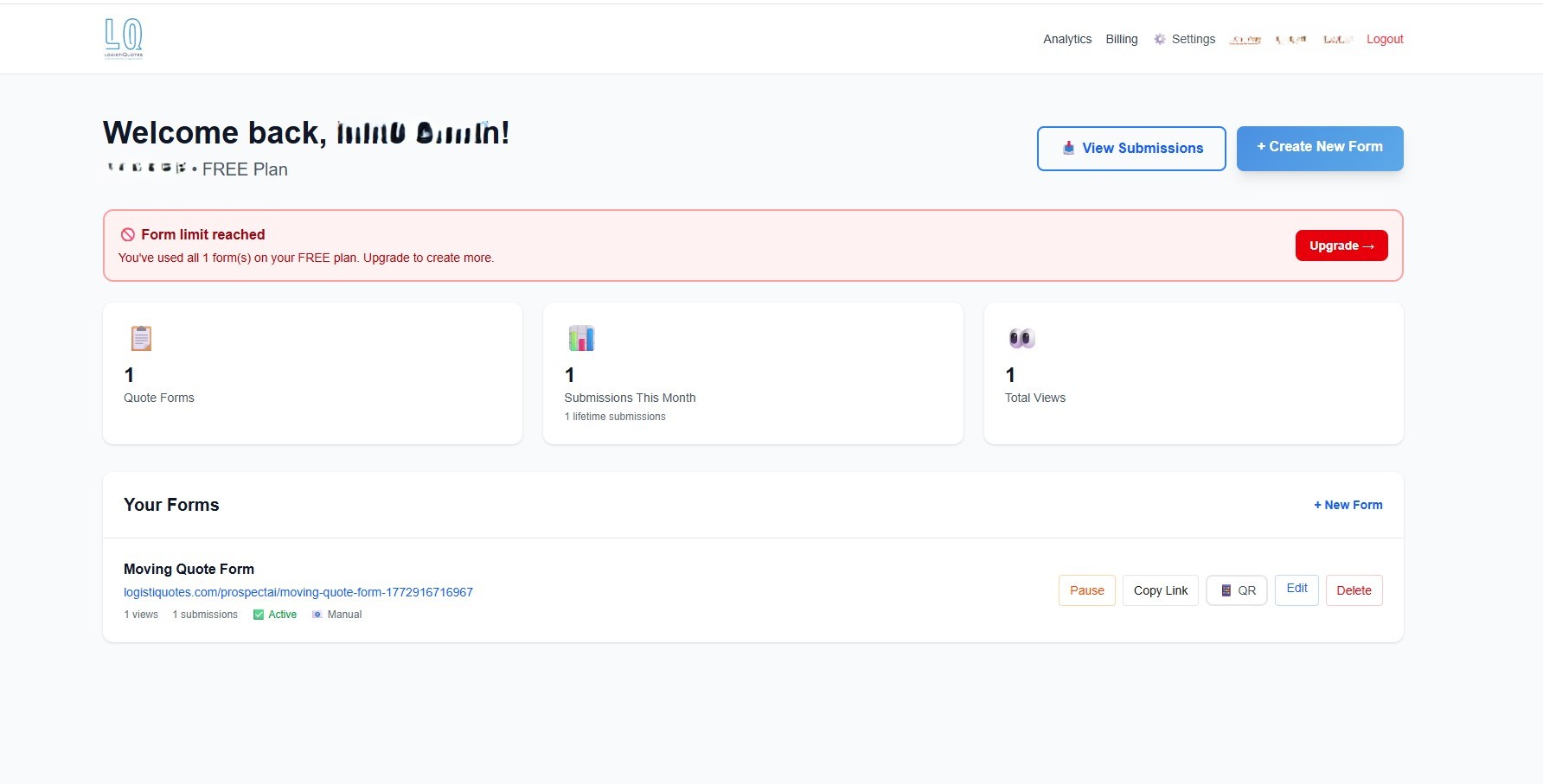
Your Dashboard is your home base for managing everything in LogistiQuotes.
📋 Create & Manage Forms
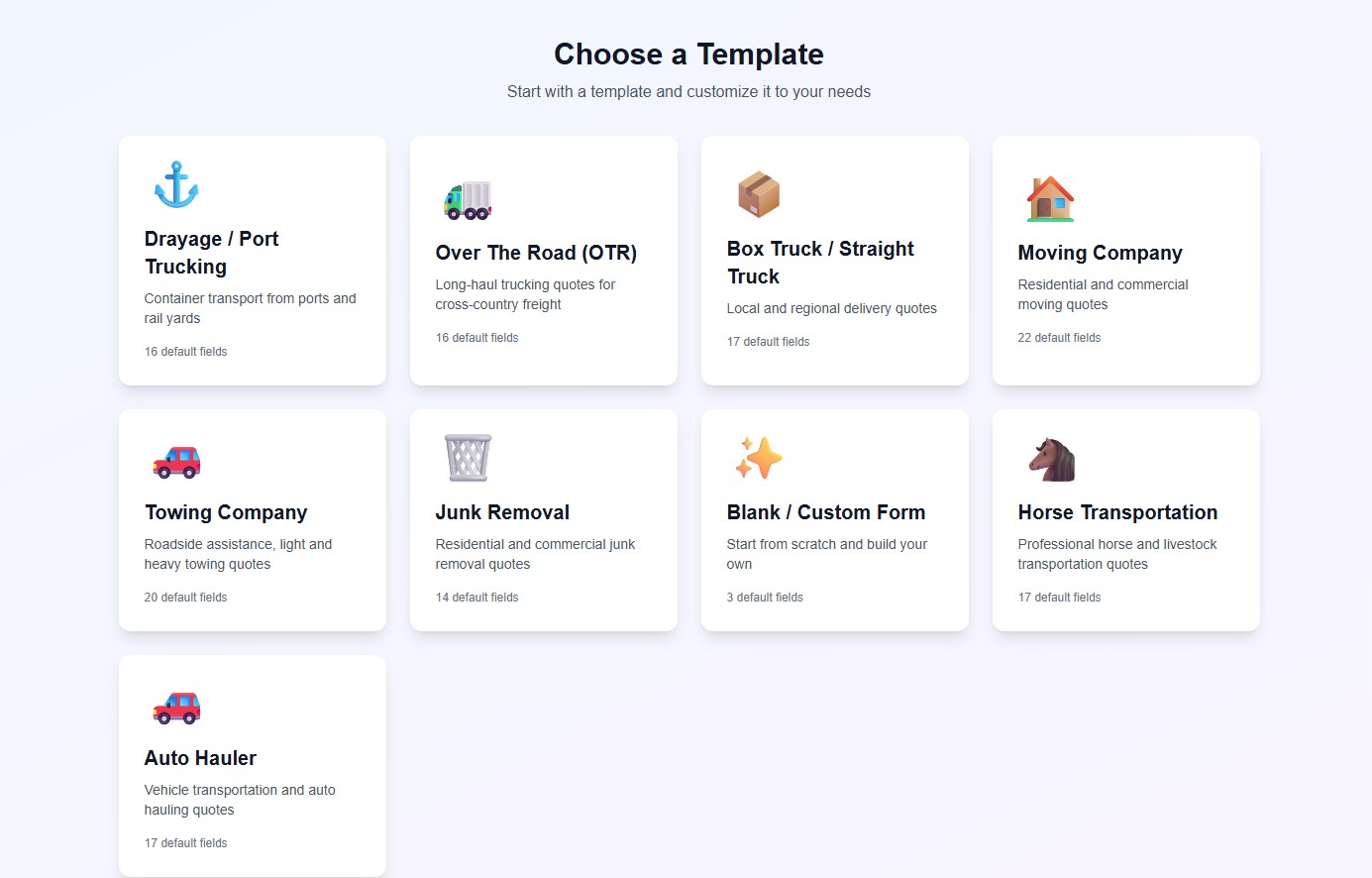
Click "Create New Form" to access the template gallery and build your first quote request form. Free accounts include 1 form and up to 25 monthly submissions.
📥 View Submissions
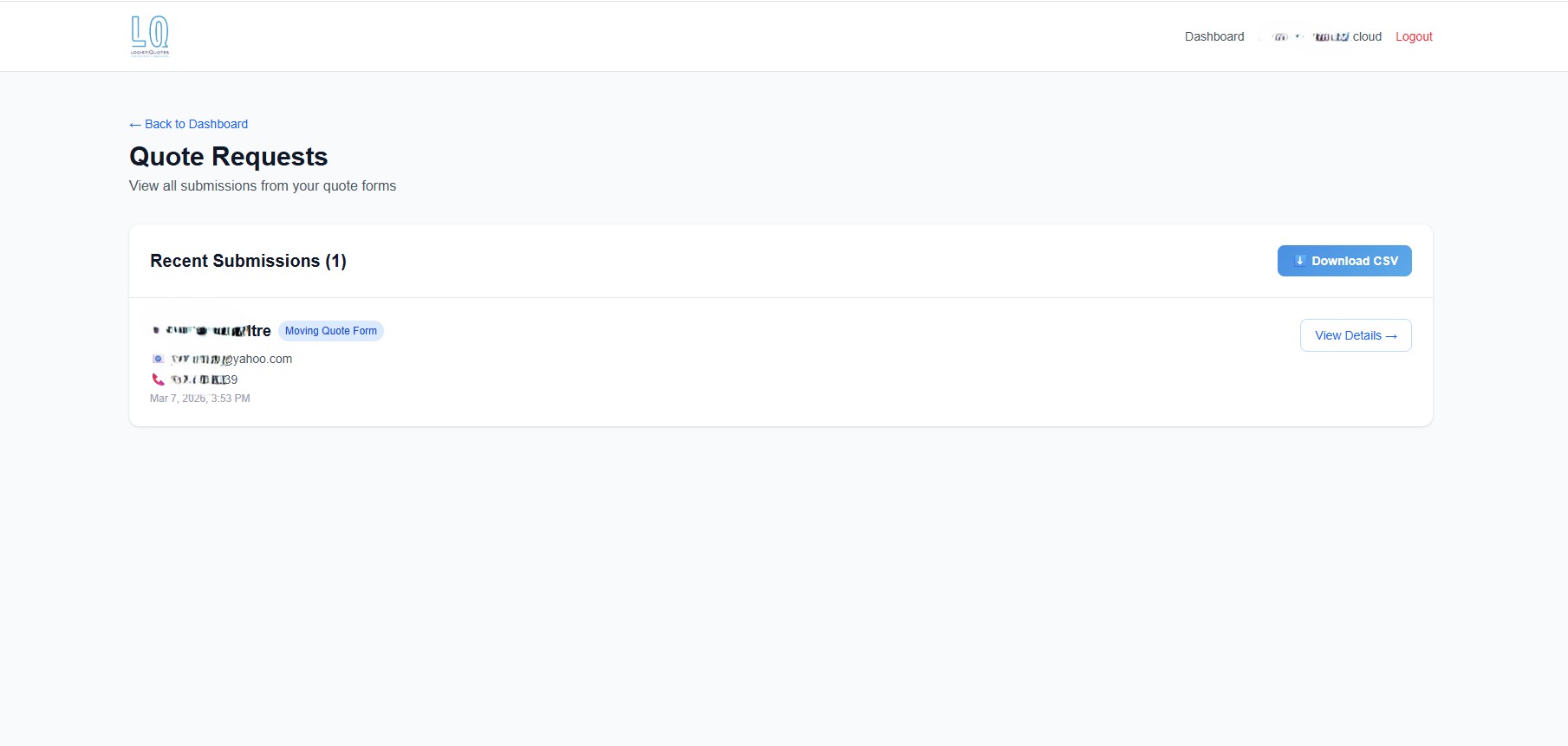
Click the "Submissions" tab to review all quote requests submitted by your customers through your published forms.
📊 Track Performance with Analytics
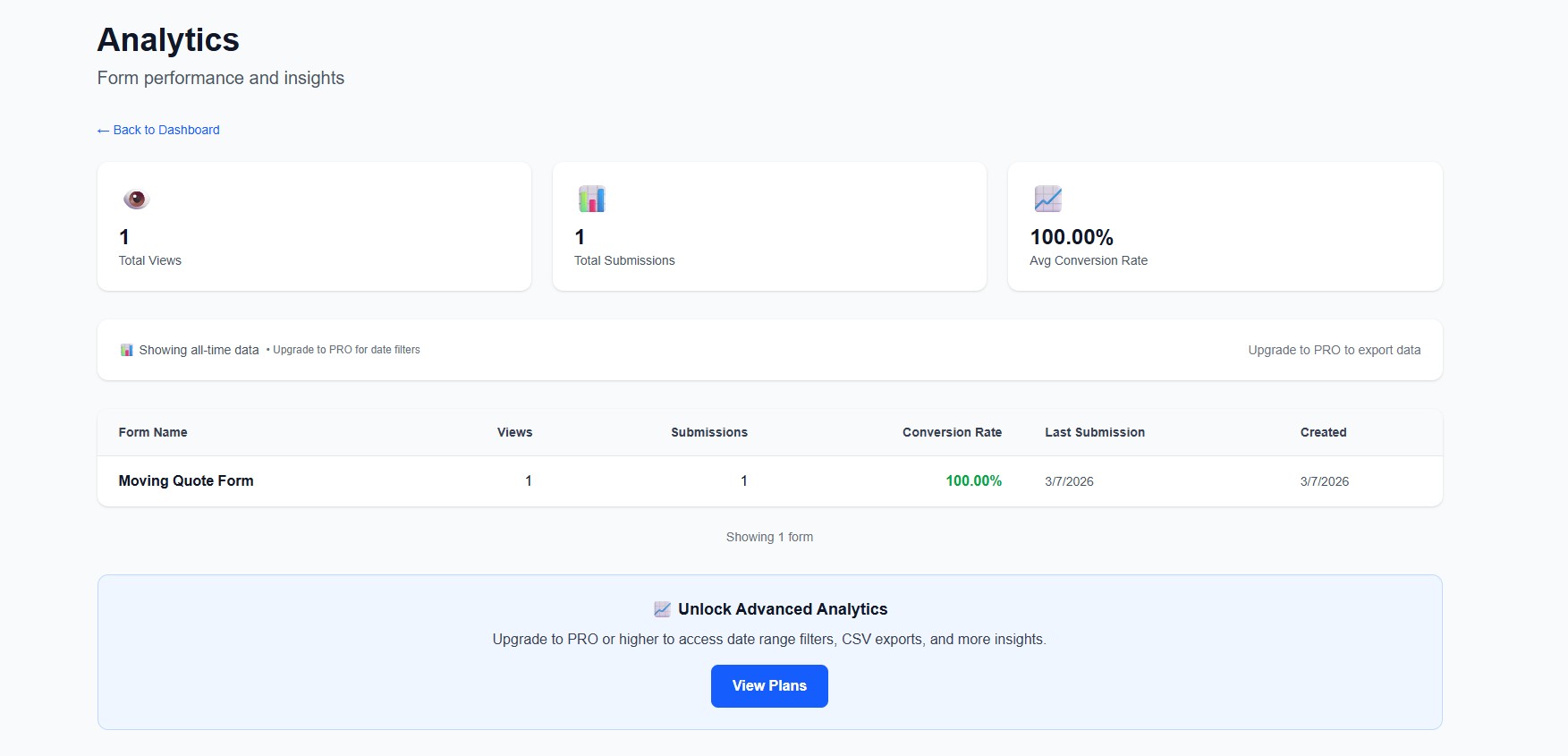
Use the "Analytics" tab to monitor your form views, submission rates, and customer activity over time.
💳 Billing & Plan Upgrades
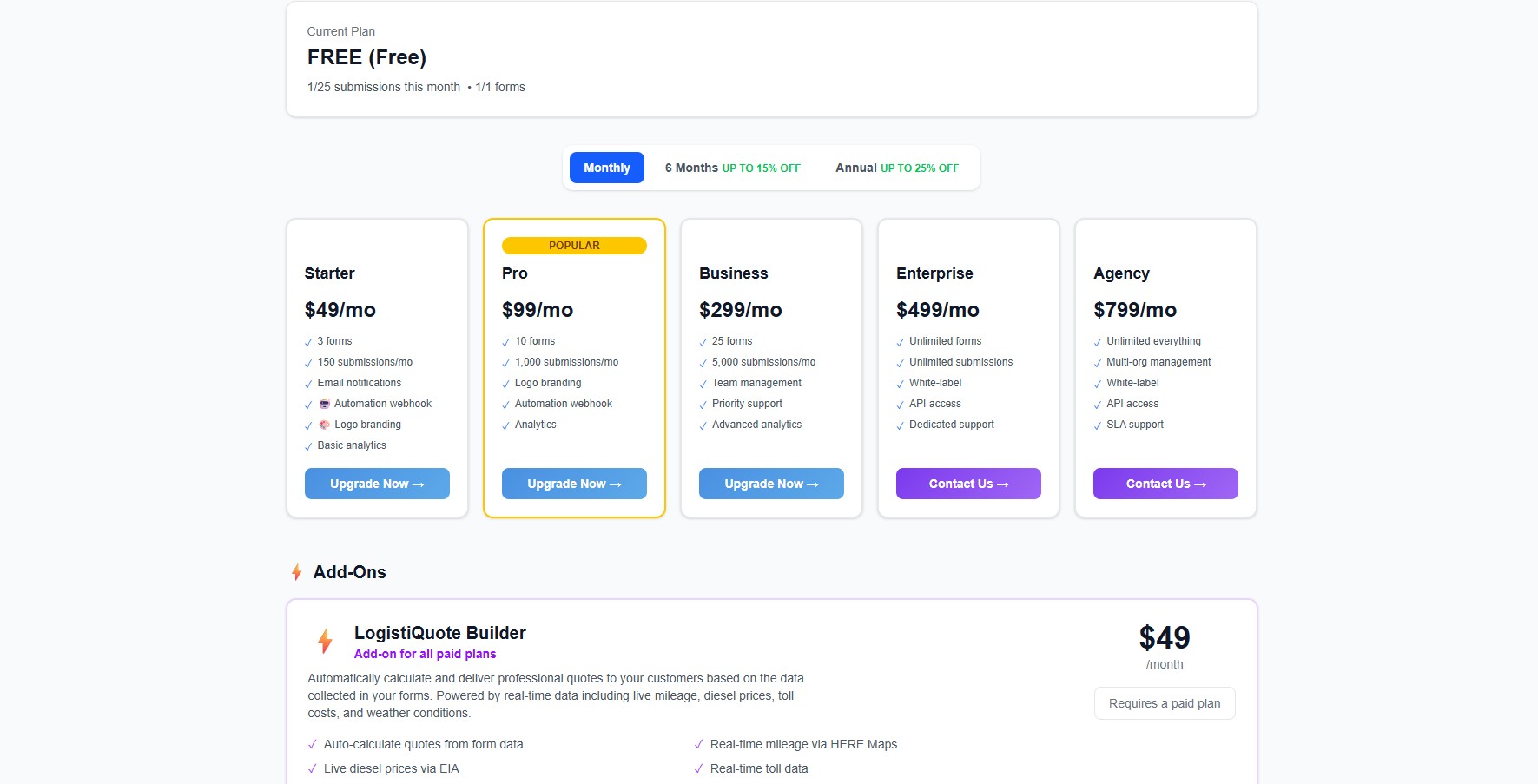
Click "Billing" to view your current plan. Upgrade to unlock more forms, higher submission limits, and the LogistiQuote Builder add-on for automated quote calculations and email delivery.
⚙️ Change Your Password
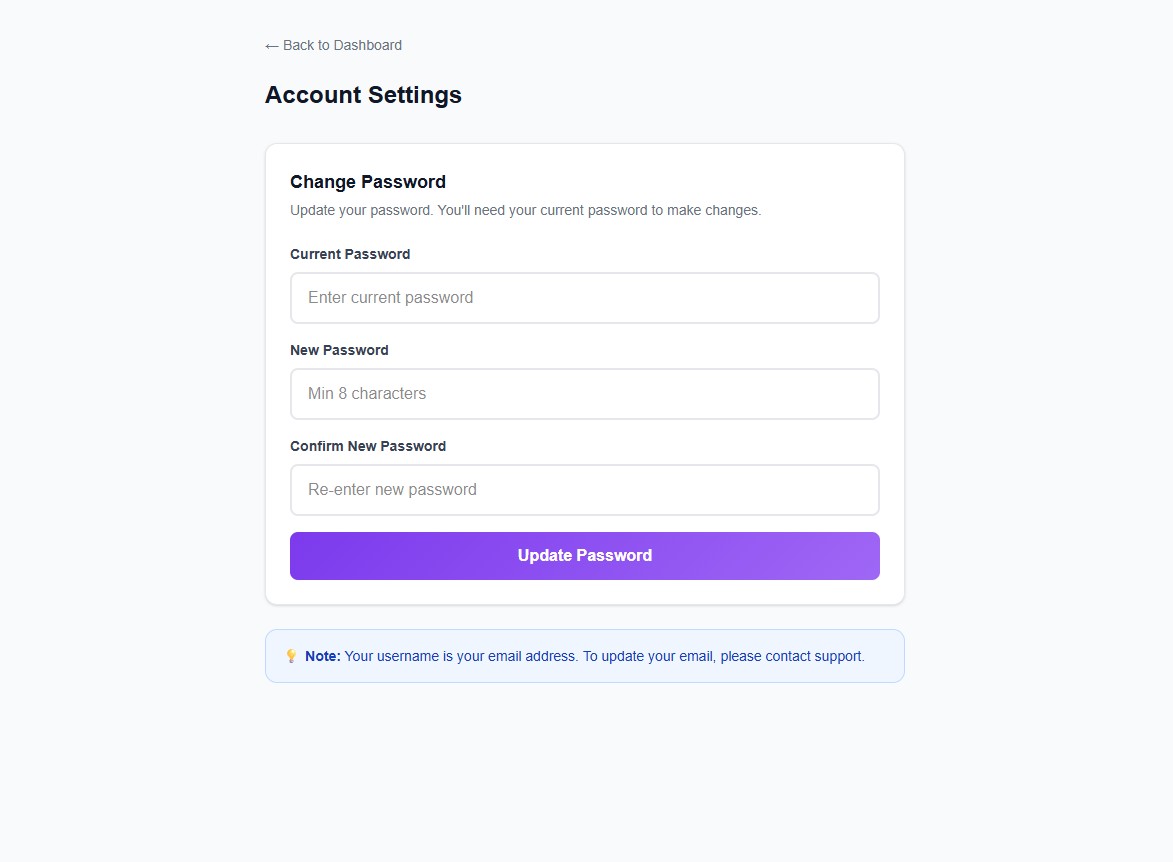
Go to "Settings" at any time to update your account password.
Ready to Get Started?
Create your free account in under 2 minutes. No credit card required.
Start Free Now →